
Same dates and frequency
Metrics and charts use the shared period and daily frequency shown with the comparison.
Genesis Risk Monitor helps financial advisors and RIAs compare a client or prospect portfolio with an advisor-created model. The advisor selects the model; Genesis Risk Monitor compares available allocation, drift, and shared-basis historical evidence such as performance, volatility, drawdown, Sharpe ratio, and beta. It does not recommend a model, declare a portfolio suitable or superior, or execute trades. The result is analytical support for a client conversation, not a recommendation.
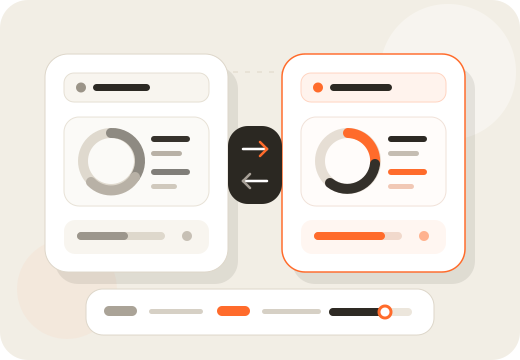
Choose the available client or prospect portfolio for the review.
Choose the advisor-created model that frames the comparison.
Review whether enough compatible history and holdings data is available.
Review allocation, drift, historical growth, drawdown, and supported metrics.
Use supported evidence in an advisor review or editable proposal workflow.
Start with the client or prospect portfolio available for review, then select the advisor-created model that you want to use as the analytical reference. Genesis Risk Monitor checks whether compatible holdings and historical data are available, presents supported differences, and can carry supported evidence into the advisor or proposal workflow. The platform never chooses the model for the advisor.
Genesis Risk Monitor can compare current allocation with target weights, show percentage-point differences, and identify securities above or below target. For linked portfolios, the model relationship and tolerance status make drift review more concrete. Where available, rebalance output is analytical guidance—not an order list, trading ticket, automatic rebalance, or instruction to trade.
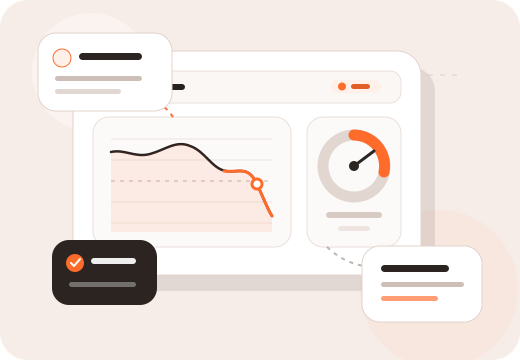
When a linked portfolio comparison is available, Genesis Risk Monitor aligns the portfolio and model to the same comparison period and daily frequency, identifies the benchmark context where available, and states the gross fee basis. The portfolio side is a backtest of current holdings at market-value weights rather than reconstructed account-performance history. Genesis Risk Monitor reports insufficient or incompatible coverage instead of silently replacing returns with zeros or combining incompatible periods. Historical comparisons are not forecasts.
Metrics and charts use the shared period and daily frequency shown with the comparison.
Benchmark availability, observations, and the gross fee basis remain visible with the result.
A comparison can be unavailable when active holdings or sufficient compatible history do not exist.
Available comparison views include normalized growth and drawdown charts for the portfolio and the selected model, plus a benchmark series where available. The charts share the stated historical window so the advisor can see the path, not only a single return number. They describe historical behaviour and do not predict future outcomes.
Supported shared-basis metrics include total return, annualized volatility, maximum drawdown, Sharpe ratio, and beta. Where the interface shows portfolio minus model, percentage differences are expressed in percentage points. Genesis Risk Monitor can also compare multiple advisor-created models across a chosen period, helping advisors understand their differences without ranking, endorsing, or selecting one.
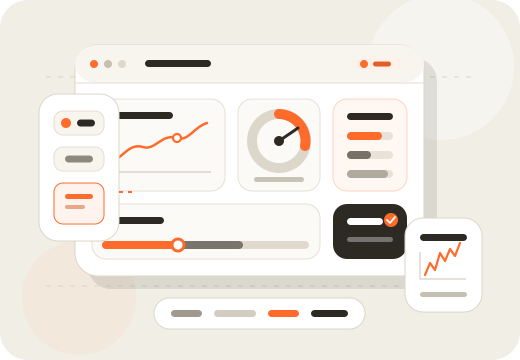
Portfolio calculations, historical comparisons, model comparisons, drift monitoring, charts, metrics, and proposal-workflow tools.
Investment recommendations, model suitability determinations, trade execution, automatic rebalancing, tax advice, or guaranteed outcomes.
Genesis Risk Monitor Pro includes portfolio comparison for the advisor workflow. See live pricing for the current plan details and limits.
Use portfolio risk analytics to understand the existing portfolio, create the advisor-owned model, compare them on the available evidence, and use supported findings in an editable proposal. Learn more about the complete financial advisor workflow or Genesis Risk Monitor Pro pricing.
Clear answers about advisor model selection, shared historical basis, insufficient data, and the limits of comparison evidence.
Portfolio comparison software helps advisors review an existing client or prospect portfolio alongside an analytical reference such as an advisor-created model. Genesis Risk Monitor can present supported allocation, drift, historical growth, drawdown, and shared-basis metric differences without recommending an outcome.
Yes. Genesis Risk Monitor can compare a client or prospect portfolio with an advisor-created model where the required holdings and history are available. The comparison can include current-versus-target allocation, drift, shared historical charts, and supported metrics.
The advisor chooses the advisor-created model used in the comparison. Genesis Risk Monitor does not select, recommend, rank, approve, or endorse a model, and it does not determine whether a model is suitable for a client.
Where available, Genesis Risk Monitor can compare current allocation with target allocation, percentage-point drift, normalized growth, drawdown, total return, annualized volatility, maximum drawdown, Sharpe ratio, beta, and benchmark context. Available evidence depends on compatible data.
A comparison can be unavailable when a linked portfolio has no active holdings or when enough compatible historical data does not exist. Genesis Risk Monitor presents unavailable or coverage-warning states rather than silently replacing missing returns or combining incompatible periods.
Yes, when a linked portfolio comparison is available. Genesis Risk Monitor aligns the portfolio and model to the stated shared period and daily frequency, with visible benchmark context and gross fee basis where available. Historical comparison is not a forecast.
Yes. Advisors can compare two to five eligible advisor-created models over a selected period. This model-to-model view helps document differences; it does not identify a best model or make a recommendation.
No. Genesis Risk Monitor provides analytical calculations and visual comparisons. It does not determine which portfolio or model is better, suitable, or appropriate for a particular client, and it does not provide investment advice.
Supported portfolio and model-comparison evidence can continue into the editable Genesis Risk Monitor proposal workflow. Advisors control the narrative, disclosures, model selection, and final client communication.
Portfolio comparison is included with Genesis Risk Monitor Pro. Consult the live pricing page for current Pro-plan details, availability, and limits.
Review available allocation and historical evidence while keeping model choice, client suitability, and the final decision with the advisor.