Let Genesis Risk Monitor take your investing process to the next level.
Professional-level tools help retail investors and day traders make better decisions, rebalance portfolios with more confidence, and manage risk without needing to be a quant or enter positions manually.
Easy to set up, no quant requiredBroker-connected portfoliosWatchlists, news, charts, and screenersP&L attribution, portfolio analysis, and scenario testing
Outcomes
Built around the decisions this audience has to make.
Use professional tools without needing a quant background.
Genesis Risk Monitor is built to be straightforward to set up and easy to use, so retail investors can get professional-grade analytics without building spreadsheets or learning institutional workflows from scratch.
Connect your broker and stop entering positions by hand.
Use brokerage connections to keep holdings current automatically, so portfolio analysis, P&L attribution, and rebalancing decisions are tied to the positions you actually own.
Keep the tools retail investors and day traders need in one workspace.
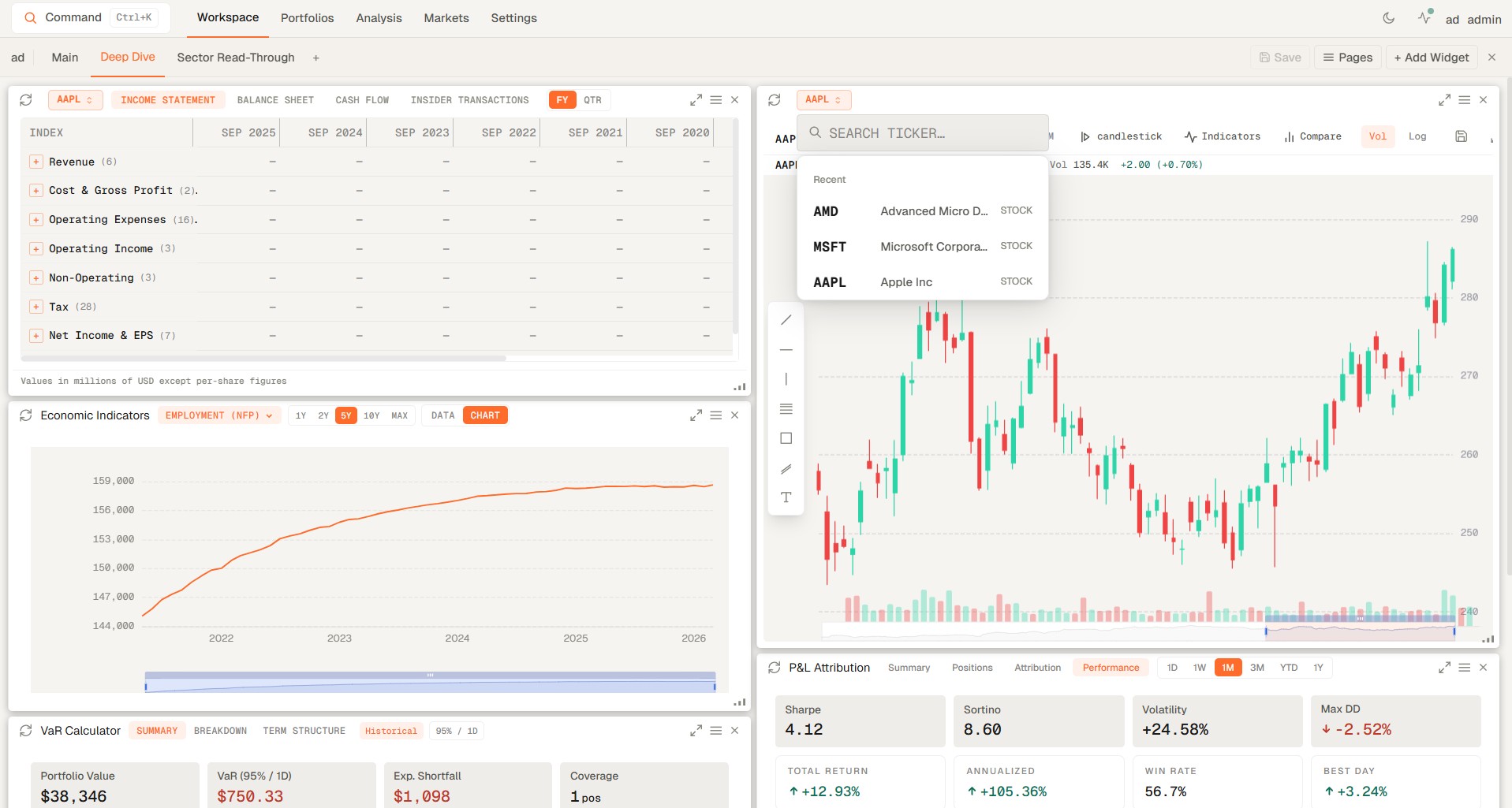
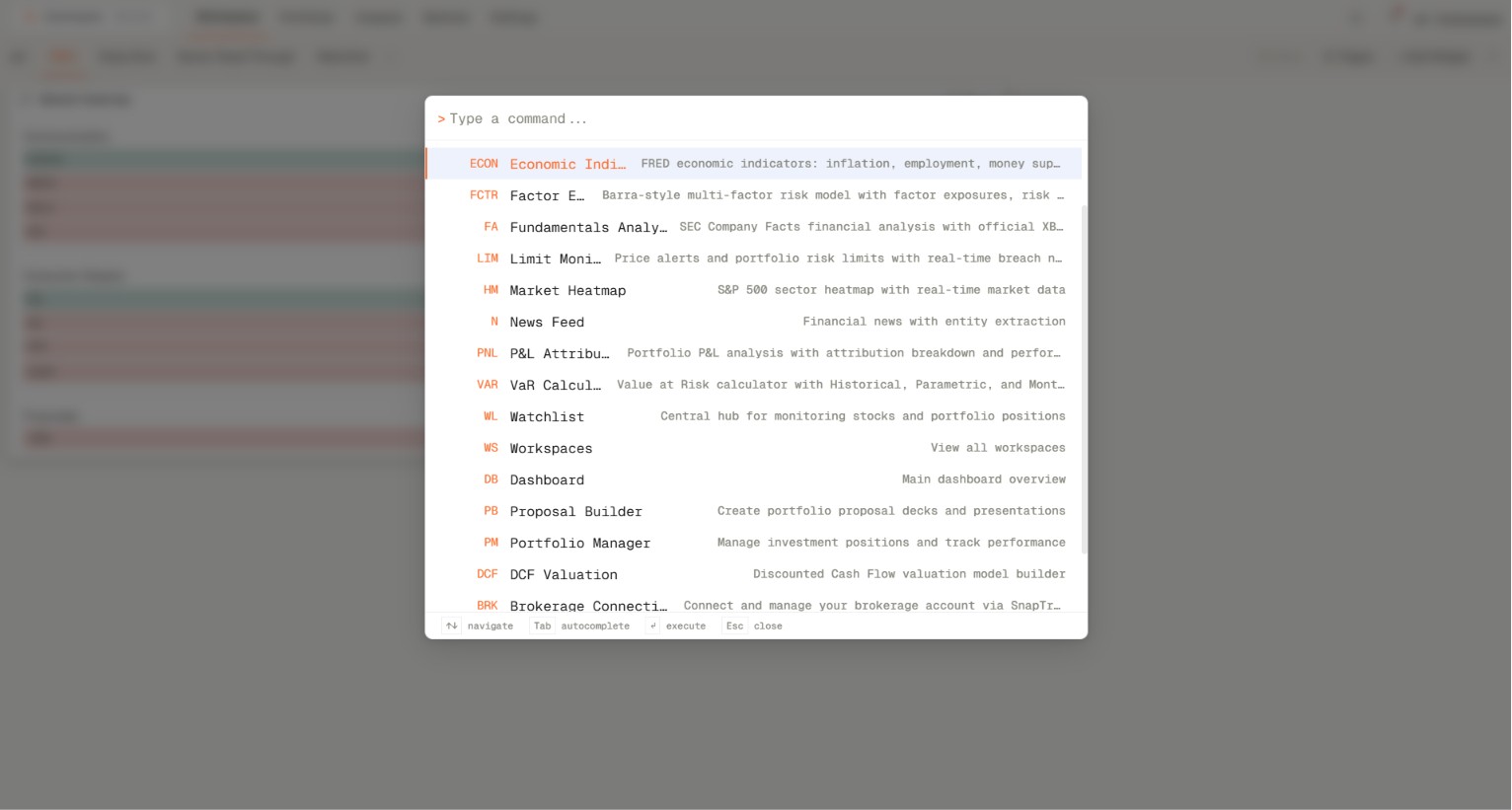
Work from watchlists, news, charts, screeners, fundamental analysis, economic indicators, portfolio analysis, P&L attribution, backtests, and scenario analysis without scattering the process across separate apps and tabs.
Workflow
A repeatable sequence from data to decision.
Genesis Risk Monitor works best when every review starts from consistent inputs, moves through clear analytics, and ends in a format the user can revisit.
01
Connect Your Broker
Start with connected holdings so positions are synced automatically and ready for analysis.
02
Research The Market
Use watchlists, news, charts, screeners, and economic indicators to understand what is moving and where opportunities are forming.
03
Analyze Portfolio And Trades
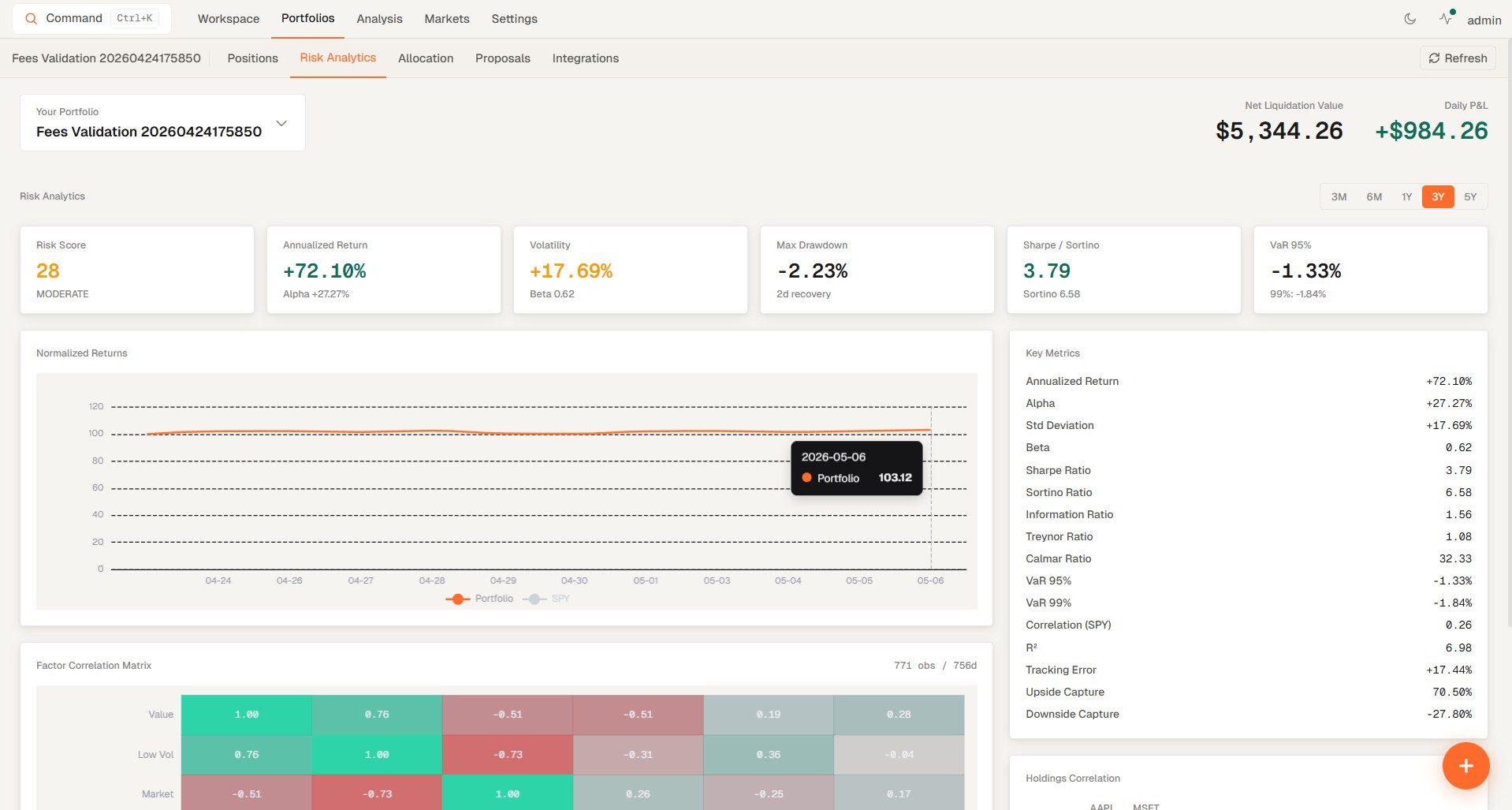
Review P&L attribution, portfolio analysis, and fundamental analysis to understand performance, risk, and what is driving returns.
04
Test Rebalances Before You Act
Backtest portfolios and run scenario analysis before rebalancing or changing exposure.
FAQ
Common questions from retail investors evaluating portfolio tools.
These are the practical questions retail investors ask when comparing portfolio trackers, investing tools, and portfolio analysis platforms.
A portfolio tracker is a tool that keeps your holdings, performance, and position changes organized in one place so you can monitor what you own without rebuilding the portfolio manually every day.
What is the difference between a portfolio tracker and portfolio analysis software?
A portfolio tracker focuses on visibility into positions and performance, while portfolio analysis software goes further by helping you evaluate risk, attribution, backtests, scenarios, and portfolio structure.
Can I connect my broker instead of entering positions by hand?
Yes. Genesis Risk Monitor supports broker-connected workflows so holdings stay current automatically and your charts, watchlists, and portfolio analysis reflect the positions you actually own. See how broker-connected analytics works.
Can one workspace handle charts, watchlists, and portfolio review?
Yes. The platform is designed so retail investors and active traders can keep market monitoring, watchlists, portfolio analysis, and risk review together instead of splitting the process across separate apps. See how that workspace can be structured.
Research Links
Related reading for portfolio trackers, retail investing tools, and daily monitoring.
Explore practical guides on portfolio tracking, watchlists, alerts, and connected investing workflows.
Step-by-step guide to building custom financial dashboards in Genesis Risk Monitor. Create multi-page workspaces with 20+ drag-and-drop widgets — VaR calculators, real-time market heatmaps, macro indicators, and more.
Learn how real-time portfolio alerts — price triggers, VaR limit alerts, concentration limits, and drawdown notifications — automatically protect your capital. A complete guide to professional-grade portfolio risk monitoring.
Genesis Risk Monitor now connects directly to 20+ brokerages — including Interactive Brokers, Fidelity, Charles Schwab, Robinhood, DEGIRO, Alpaca, and Questrade — via read-only SnapTrade integration. Sync your live portfolio positions and immediately run daily VaR, Factor Exposure, P&L Attribution, and risk limit monitoring. No manual entry. No API keys. One secure OAuth connection.
Get Access
Take your investing process to the next level.
Start with a broker-connected workspace built for retail investors and day traders who want professional tools without the complexity.